We’ve put together a collection of resources to make planning your fundraiser simple. Use these materials to help spread the word and invite your parish community to get involved.
You don't need a big production — just an idea, a date, and a willing group of helpers. Here are some tried-and-true options other parishes have used to support camp ministries.
Some ideas
- Coffee hour presentation or special offering on a designated “Camp Sunday”
- Parish potluck, BBQ, or s'mores social with a free-will donation
- Trivia night or games evening
- A guest speaker visit from an ambassador or camp alumnus
- Bake sale, bazaar or silent auction
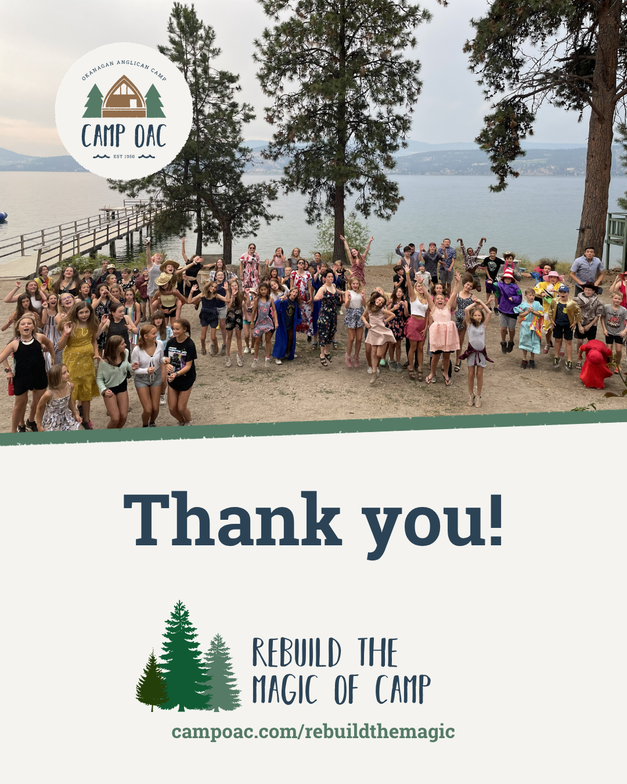
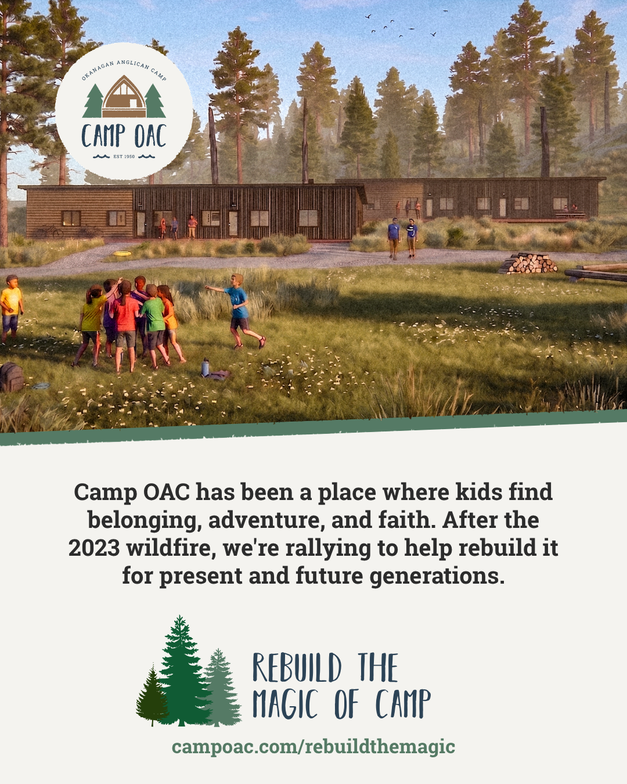
Social posts
Pick the one that best suits your needs! Don't forget to use #RebuildTheMagic when you share!
How to save an image to your computer:
1. Right-click on the image you would like to use.
2. Select “Open image in new tab.”
A new tab will appear at the top of your screen. Click on the new tab to view the image.
3. Right-click on the image again.
4. Select “Save image as…”
5. Choose where you would like to save the image.
We recommend saving it somewhere easy to find, such as your Desktop or Pictures folder.
6. Click “Save.”
That’s it! Your image is now saved to your computer and ready to share.

To download the PDF:
Click the link → Open the PDF → click the Download button at the top right of your screen → choose where you’d like to save it → click Save.
That’s it! You’ll now have the site map and floor plans saved on your computer and ready to view or share.